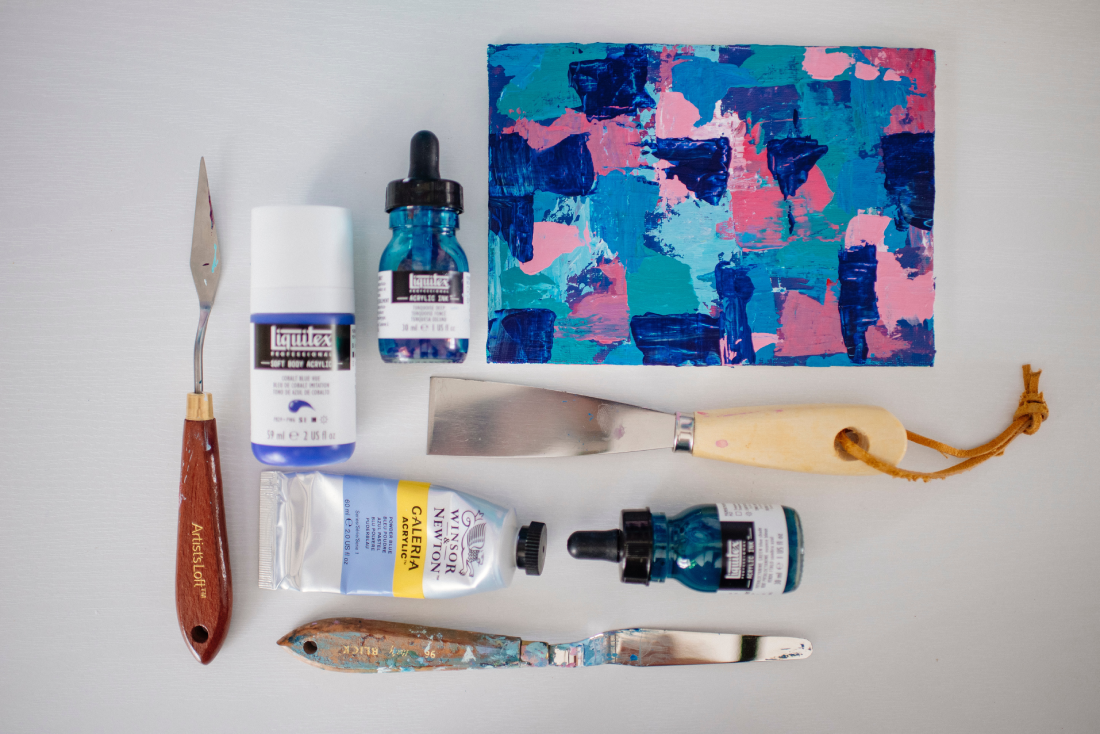
If you’re an artist looking to start selling your artwork online, there are a number of steps you can take to get started. Here are some tips for how to start selling your artwork online:
- Decide on a platform: There are a number of different platforms you can use to sell your artwork online, including websites like Etsy, Society6, and Redbubble, as well as social media platforms like Instagram and Facebook. Do some research to determine which platform is the best fit for your needs.
- Set up a storefront: Once you’ve chosen a platform, you’ll need to set up a storefront to showcase your artwork. This may involve creating product listings, uploading images of your artwork, and writing descriptions of each piece.
- Determine your pricing: When setting prices for your artwork, consider the cost of materials, your time and labor, and any fees associated with selling on your chosen platform. You may also want to research the prices of similar artworks to ensure you’re pricing your pieces competitively.
- Market your artwork: To attract buyers, you’ll need to market your artwork. This may involve using social media to promote your pieces, running paid ads on your chosen platform, or collaborating with other artists or influencers to reach a wider audience.
- Fulfill orders: Once you start making sales, you’ll need to fulfill orders by packaging and shipping your artwork to buyers. Make sure to communicate with your buyers throughout the process, and provide tracking information so they know when to expect their purchase.
- Continuously improve: As you start selling your artwork online, you’ll likely encounter challenges and opportunities for improvement. Continuously assess your pricing, marketing, and fulfillment strategies to ensure you’re maximizing your sales and providing a great experience for your buyers.
Selling your artwork online can be a great way to reach a wider audience and turn your passion into a business. With these tips, you can start selling your artwork online with confidence.
Leave a Comment
You must be logged in to post a comment.